
Getting Started
The following steps cover manual installation of JadeGit, useful for getting started in a local development environment. Developers of existing systems may want to skip ahead to look at migration strategies for adopting JadeGit.
Installation
Download the latest release for the Jade platform version you're using, and copy the binaries into the bin folder of the database being setup.
Configure the database to use JadeGit for development by adding the following settings to the Jade initialization file.
[JadeSecurity]
JadePatchControlSecurity=true
DevelopmentSecurityLibrary=jadegitdevJadeGit can also be enabled or disabled by specifying the INI settings as part of the command line parameters for a Jade shortcut (running in single-user mode).
Sign On
On start up of the Jade IDE, the JadeGitSchema will be installed automatically during logon.
You may be shown an error about a missing MSVC library. To fix this, you'll need to install the latest Microsoft Visual C++ Redistributable for Visual Studio 2022.
Following logon, the JadeGit Changes explorer appears to the right of the screen. It cannot be closed directly and will be restarted if terminated, but may be minimized if preferred during development.
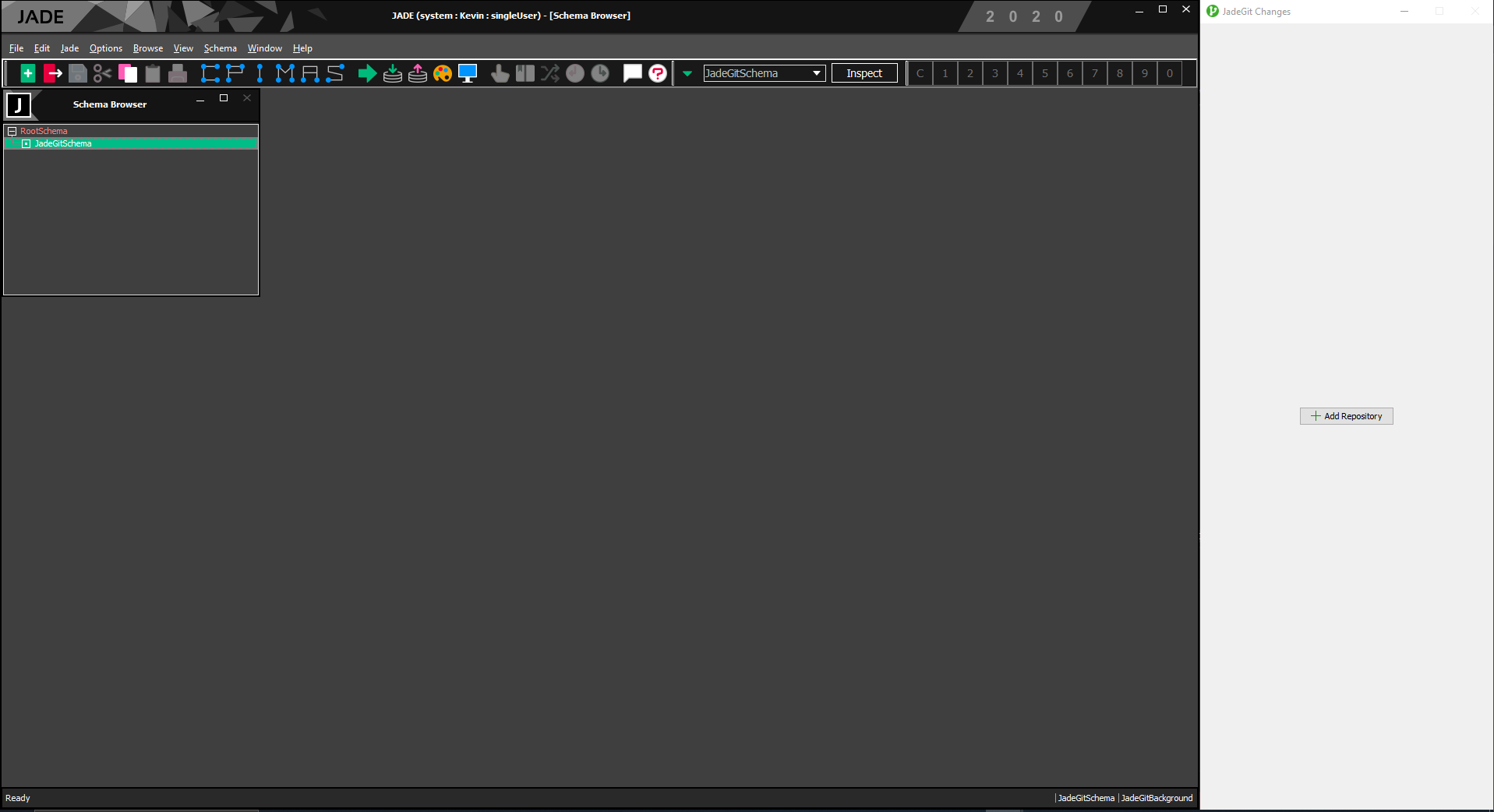
To keep both visible at the same time, the Jade IDE needs to be resized/positioned to the left of the JadeGit Changes explorer. In future, this may be streamlined with JadeGit being integrated within the IDE, if JEDI #383 is progressed.
Last updated