# Compare
The functionality in JadeGit allows you to view commit details and compare commits in any history view.
## View Commit Details
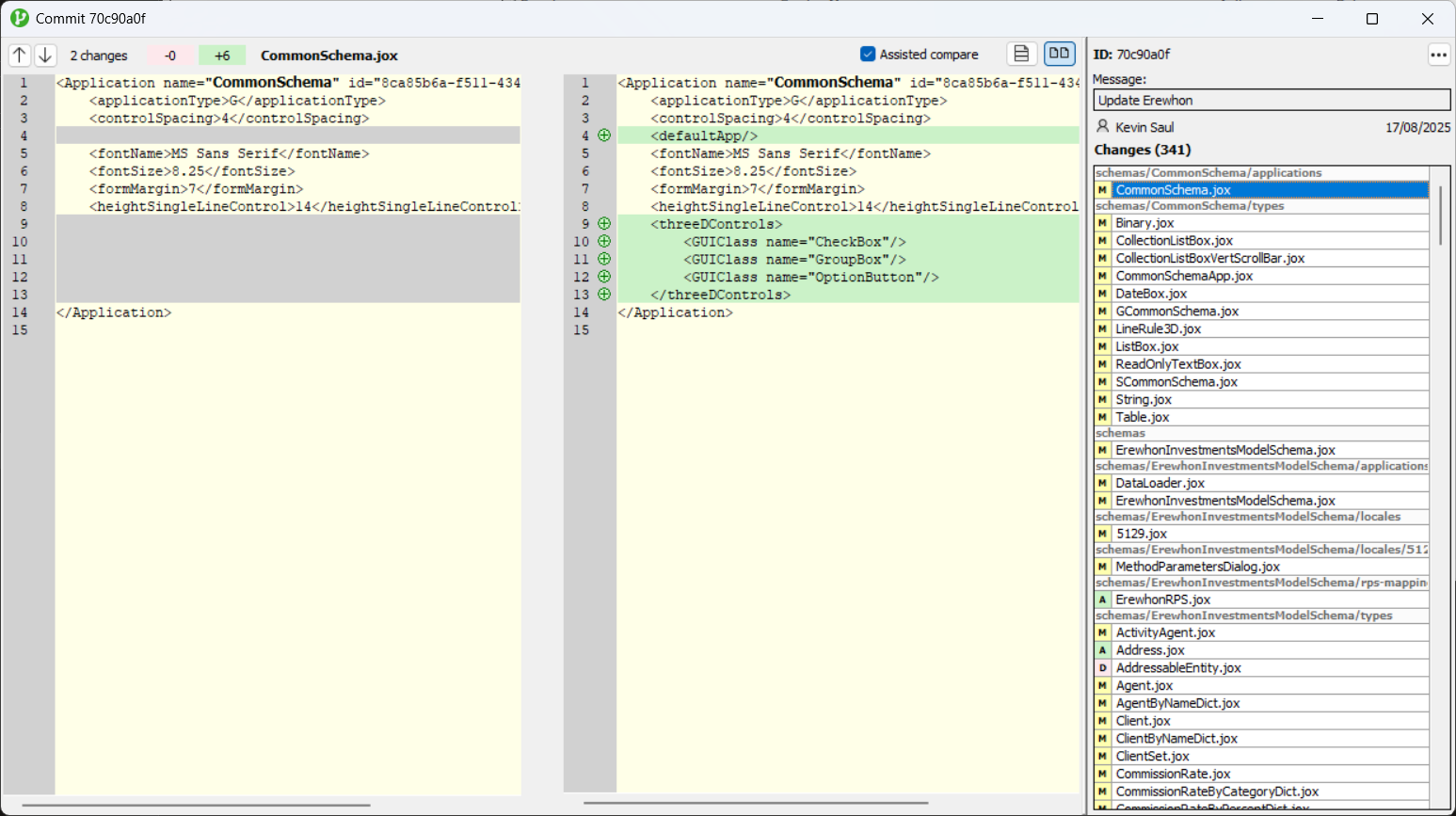
Use the **View Commit Details** option in the context menu for a selected commit to see detailed information, including the author, message, date, and files changed. The differences displayed are based on a comparison with the commit’s parent.
## Compare Commits
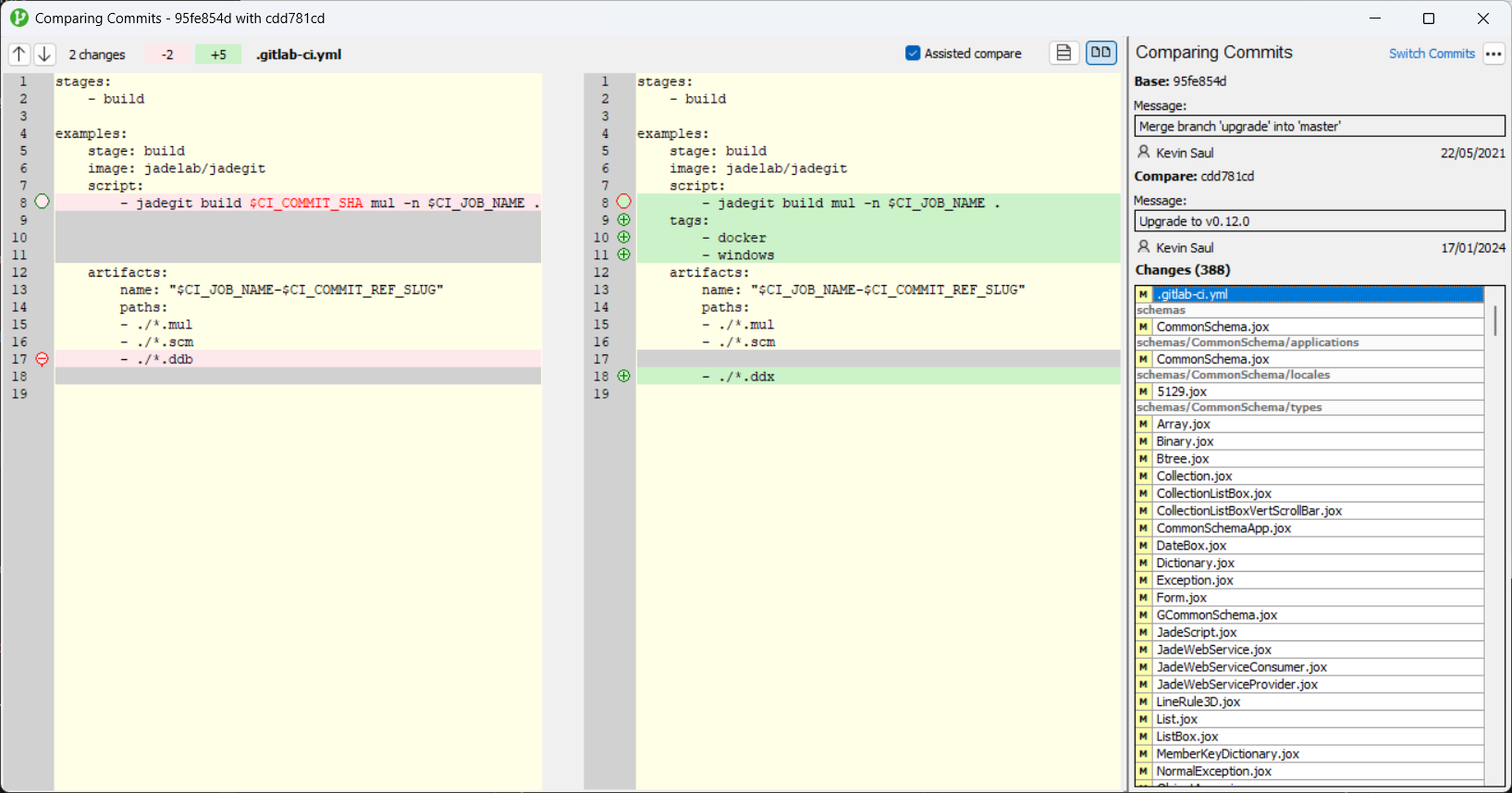
Use the **Compare Commits** option in the context menu to view differences between two commits in the history, selected while holding Ctrl.
You can use the **Switch Commits** option to swap the comparison order and see changes in either direction.
## Extract Patch
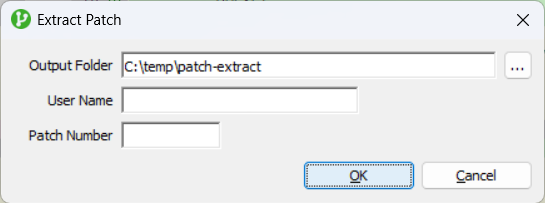
The **Extract Patch** dialog can be opened from the menu for both the **View Commit Details** and **Compare Commits** forms.
It enables you to generate a Jade patch based on the commit or comparison currently displayed. When using **Compare Commits**, if the comparison direction has been reversed using **Switch Commits**, this can be used to undo changes.
If **User Name** and **Patch Number** are left blank, for each schema entity in the patch, the author and ID of the last commit that updated it are combined as the *modified by* user name. If a **User Name** is specified, that value is used for all entities in the patch.
To streamline subsequent extracts, the last-used **Output Folder** and **User Name** are stored in the initialization file under the `JadeGit` section (`PatchExtractDirectory` and `PatchExtractUserName`).