# Overview
The JadeGit console utility provides a command line interface to perform functions outside of the Jade IDE.
## Variants
Variants of the console utility are built/linked to other components to suit different use cases.
{% tabs %}
{% tab title="Development" %}
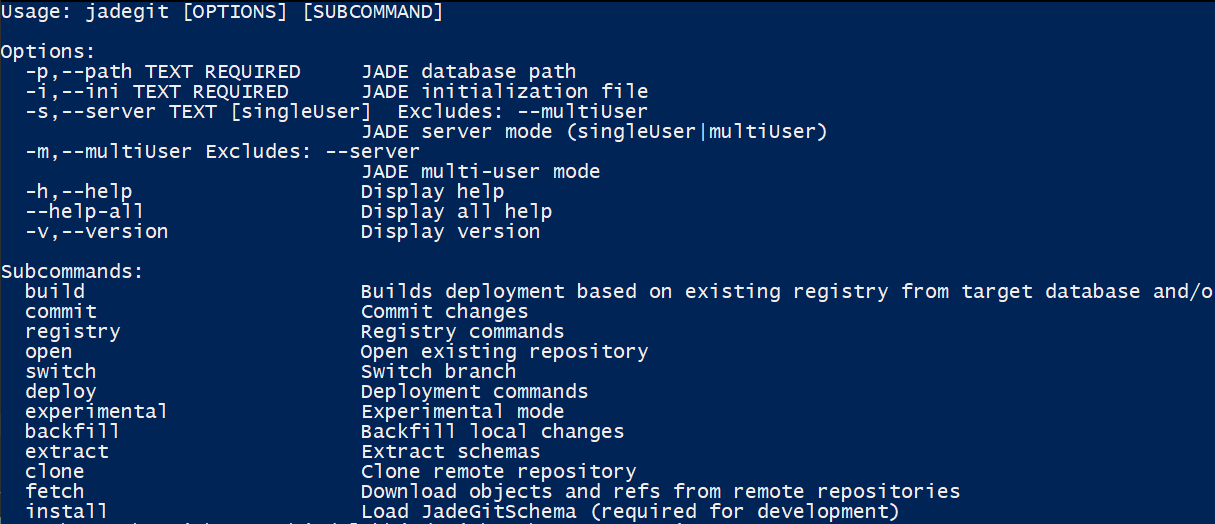
The development JadeGit console variant is built for a specific Jade platform version (alongside the other libraries used with the Jade IDE), and needs to be run with matching Jade binaries & database.
This has following options & subcommands:
{% endtab %}
{% tab title="Standalone" %}
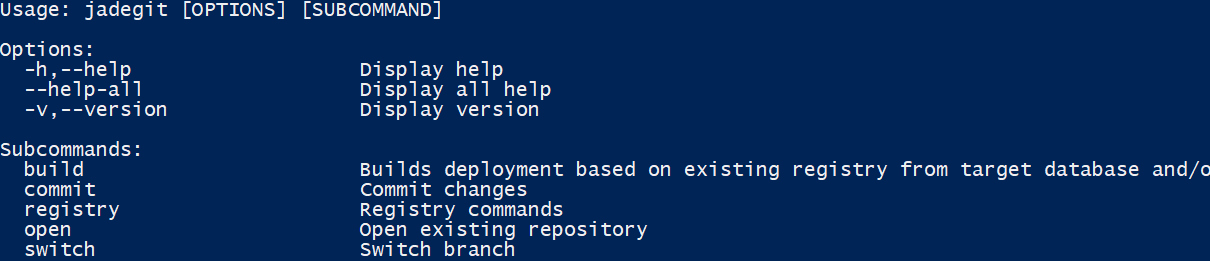
The standalone JadeGit console variant is intended for use during a DevOps pipeline to build a deployment from a code repository, independently of a Jade database.
{% endtab %}
{% endtabs %}
## Shell
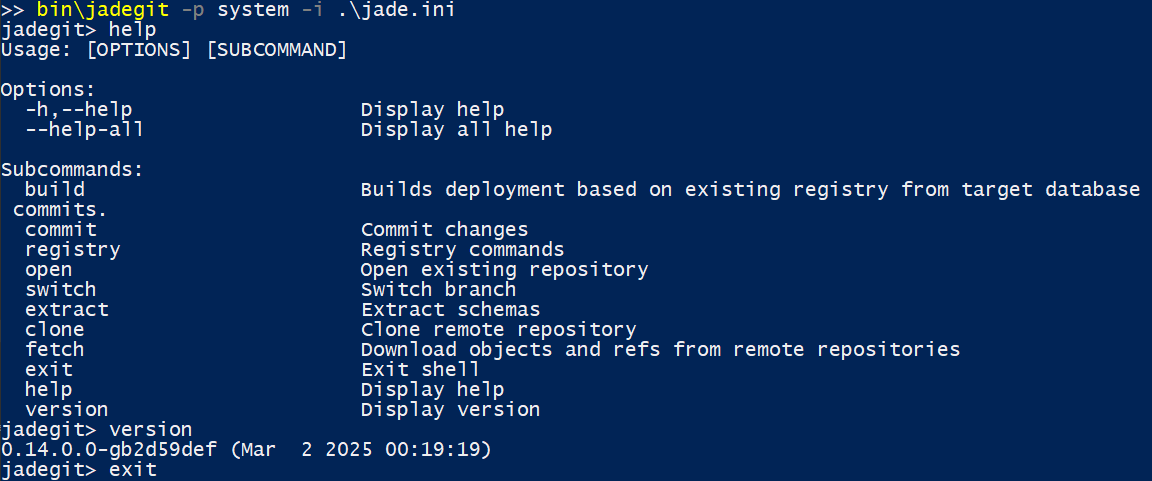
For all variants of the console utility, when no subcommands are specified with the basic `jadegit` command, it will enter into an interactive shell mode during which a series of subcommands may be issued until the `exit` command is used to close the shell in a graceful manner.
The following sections discuss each of the `jadegit` subcommands.